

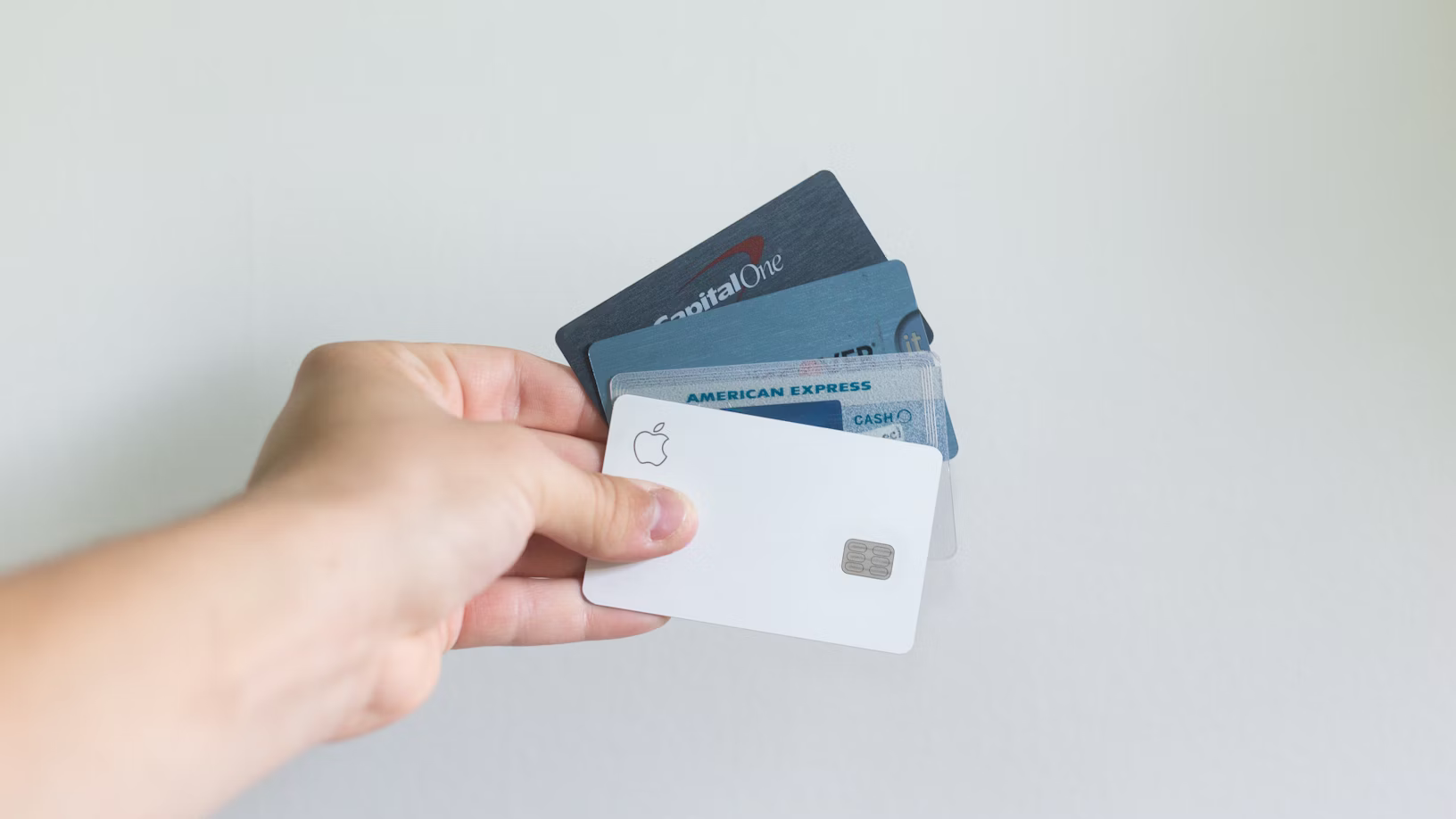
Business payment processing is the infrastructure allowing merchants to accept customer payments. Understanding processor options and fee structures can save thousands annually.
This article explains how merchant payment processing works and compares major platforms.
1. Business Payment Processing Basics
What is payment processing?
Linear flow:
- Customer swipes/taps card at checkout
- Payment processor authorizes transaction
- Processor sends funds to merchant account
- Funds settle (1-3 business days)
- Business receives payment (net of fees)
Key participants:
- Merchant (business accepting payment)
- Customer (paying via card)
- Card networks (Visa, Mastercard; set interchange rates)
- Payment processor (facilitates transaction; Stripe, Square, PayPal)
- Merchant bank (receives funds)
- Acquiring bank (issues merchant account)
2. Payment Processing Fees Breakdown
Three-part fee structure:
Interchange (card networks): 1.0-2.5% of transaction
- Set by Visa/Mastercard (not merchant)
- Varies by card type and industry
- Example: Visa credit card = 1.80%; debit card = 0.50%
- Non-negotiable (same for all merchants using that card)
Assessment (card networks): 0.10-0.30%
- Processing and security costs
- Set by Visa/Mastercard
- Varies slightly by category
- Non-negotiable
Processor markup (Stripe, Square, etc.): 0.50-1.50%
- Processor’s profit margin
- Varies by processor and volume
- Negotiable (volume discounts available)
- Example: Stripe 2.9% + $0.30 = interchange + assessment + markup
Total typical fee: 2.2-3.5% + per-transaction fee ($0.10-0.30)
3. Payment Processor Options
Stripe (SaaS, online-focused):
Fee structure: 2.9% + $0.30 per transaction
- Online: 2.9% + $0.30
- In-person (card reader): 2.7% + $0.05
- ACH (direct bank): 0.8% ($5 min)
Pricing:
- No setup fee
- No monthly fee
- Transparent pricing (no hidden fees)
Settlement: Daily (default) or manual
- Funds arrive 2-3 business days
Features:
- Payment links (email customers)
- Invoicing
- Subscriptions/recurring billing
- API for custom integration
Best for: Online businesses, startups, technical teams
Square (POS, omnichannel):
Fee structure: 2.9% + $0.30 per transaction
- Online: 2.9% + $0.30
- In-person (swipe): 2.6% + $0.10
- ACH: 1% ($0 minimum)
Pricing:
- Starter: $0/month (basic features)
- Plus: $80/month (inventory, staff)
- Premium: $300/month (advanced)
Settlement: Daily (automatic)
- Funds arrive 1-2 business days
Hardware: Free card reader (or $99 for advanced)
Features:
- Point-of-sale (retail/restaurant)
- Inventory management
- Staff management
- Analytics dashboard
Best for: Retail, restaurants, in-person businesses
PayPal for Business:
Fee structure: 2.99% + $0.30 per transaction
- Online: 2.99% + $0.30
- In-person: 2.7% (with reader)
Pricing:
- No monthly fee
- Merchant account required
Settlement: Immediate (2-hour intervals)
- Funds arrive next business day
Features:
- Invoice management
- Invoicing with payment links
- Recurring billing
- Integrated with eBay (if applicable)
Best for: eBay sellers, existing PayPal users, omnichannel
Tier 2 Processors (Industry-Specific):
Toast (Restaurants):
- Fee: 2.95% + $0.25 (varies by integration)
- Features: POS, kitchen display, loyalty, inventory
- Target: QSR, full-service restaurants
- Pricing: Usage-based ($0-300+/month)
Lightspeed (Retail):
- Fee: 2.6% + $0.10 (in-person); 2.95% + $0.30 (online)
- Features: POS, inventory, omnichannel
- Target: Retail stores, multiple locations
- Pricing: $99-299/month + fees
4. Fee Comparison Scenario
Business: Coffee shop (annual $100,000 revenue)
Stripe:
- 2.9% + $0.30 on average card = 2.9% × $100k + (0.30 × 8,333 transactions) = 2,900 + 2,500 = $5,400
Square:
- 2.6% + $0.10 (in-person) = 2.6% × $100k + (0.10 × 8,333) = 2,600 + 833 = $3,433
PayPal:
- 2.7% (with reader) = 2.7% × $100k = $2,700
Difference: PayPal $2,700 vs Stripe $5,400 = $2,700 annual savings (38% cheaper)
5. Merchant Account Requirements
To accept payments, business needs:
-
Business license
- Proves legitimate business
- Not all businesses accepted (see restrictions)
-
EIN (Employer Identification Number)
- Tax ID issued by IRS
- Required for any business structure
-
Business bank account
- Funds settle to account
- Must match business name/owner
-
Personal information
- Owner SSN (for verification)
- Owner background check
- Residential address
Processing time: 1-3 days (account approval)
6. Industry Restrictions and Higher Rates
Restricted industries:
- Adult content (legal but higher risk)
- Gambling/betting
- Marijuana (federally illegal; state legal in some places)
- Cryptocurrency exchanges
- Payday loans/high-interest lenders
- Telemarketing
Higher fee rates (for restricted industries):
- Base 3.5-5.0% + $0.30
- Plus monthly reserves (funds held for chargeback protection)
- Plus rolling reserves (withhold 1-2% of daily transactions)
Example (high-risk merchant):
- Gambling business: 4.5% + $0.30 + rolling 1% reserve
- On $50,000/month: $2,250 + $150 + $500 = $2,900/month fees
7. Settlement and Funding
Standard settlement (1-2 business days):
- Customer pays Friday
- Bank processes overnight
- Funds available Monday (1-2 days)
- Common for Stripe, Square, PayPal
Immediate settlement (same-day):
- Customer pays
- Funds settle within hours
- Premium option (1-2% extra fee)
- Some processors offer (Shift4, Stripe Premium)
Considerations:
- Daily settlement = cash flow improvement (vs. 2-3 days)
- Cost: 0.1-0.5% extra per transaction
- Worth it for high-volume businesses (payroll, inventory)
8. PCI Compliance (Security Requirement)
What is PCI compliance?
PCI (Payment Card Industry) standard: Security requirements for businesses handling card data
Requirements:
- Encrypt data in transit (HTTPS on website)
- Encrypt data at rest (database encryption)
- Limit employee access (need-to-know)
- Regular security testing (vulnerability scans)
- Incident response plan (data breach process)
PCI compliance levels (by transaction volume):
- Level 1: >6M transactions/year (annual audit required)
- Level 2: 1M-6M transactions/year
- Level 3: 20k-1M transactions/year
- Level 4: <20k transactions/year
Cost to maintain:
- Level 4 (small business): $300-1,000/year
- Level 1 (large business): $10,000-50,000/year (audit required)
Simplified approach:
- Use hosted payment form (Stripe, Square)
- Processor handles PCI compliance
- Business only needs basic security
9. Subscription and Recurring Billing
Recurring billing use cases:
- SaaS subscriptions (Slack, Notion, etc.)
- Memberships (gym, club)
- Utility bills
- Insurance payments
Processing recurring billing:
- Customer authorizes first payment (and recurring)
- Payment stored securely (with authorization)
- Monthly charge automatic (on specified date)
- Failed payment handling (retry logic)
Failed payment handling:
- Payment 1 fails: Retry in 3 days
- Payment 2 fails: Retry in 3 days
- Payment 3 fails: Cancel subscription, notify customer
- Success rate: ~92% on first attempt; 85% on retries
Decline reasons:
- Insufficient funds (most common)
- Card expired
- Card cancelled/lost
- AVS/CVV mismatch
- Card fraud detection
Best practices:
- Notify customer of expiration (pre-expiration reminder)
- Offer payment method update (reduce failures)
- Graceful downgrade (pause subscription vs. cancel)
10. Chargeback Prevention
What is a chargeback?
Customer disputes transaction with card issuer
- Card issuer reverses transaction
- Funds removed from merchant account
- Chargeback fee: $25-100 (charged to merchant)
Common chargeback reasons:
- “Unauthorized” (fraud claim; customer denies purchase)
- “Unrecognized” (forgot they authorized)
- “Product not received” (claimed non-delivery)
- “Incorrect amount” (claimed overcharge)
Chargeback liability:
- Merchant absorbs cost (+ $25-100 chargeback fee)
- Processor may hold funds for chargeback reserve
- High chargeback rates → processor may terminate
Chargeback prevention:
- ✅ Clear billing descriptors (merchant name recognizable)
- ✅ Require verification (AVS, CVV)
- ✅ Send receipt immediately
- ✅ Ship tracking (proof of delivery)
- ✅ Clear return policy (communicated to customer)
- ✅ Document customer support (if disputes arise)
Target chargeback rate: <0.5% (processor considers >1% high risk)
11. Payment Processing for Different Business Types
E-commerce (online retail):
- Processor: Stripe recommended
- Fee: 2.9% + $0.30
- Key metric: Conversion rate optimization
- Settlement: 2-3 business days (okay for digital goods)
Retail (brick-and-mortar):
- Processor: Square recommended
- Fee: 2.6-2.9%
- Key metric: Transaction count (high volume)
- Settlement: 1-2 business days (cash flow critical)
SaaS (subscription software):
- Processor: Stripe recommended
- Fee: 2.9% + $0.30
- Key metric: Recurring billing success rate
- Settlement: Daily (recurring revenue steady)
Non-profit (donation processing):
- Processor: Stripe or Givebutter
- Fee: 1.5-2.2% + $0.30 (non-profits get discounts)
- Key metric: Donor retention
- Settlement: As needed
12. Choosing the Right Payment Processor
Decision framework:
1. Business type?
- Online → Stripe
- Retail/restaurant → Square
- eBay seller → PayPal
2. Volume?
- <$50k/month → Standard rates (Stripe/Square)
- $50k-$200k/month → Negotiate rates (processor)
-
$200k/month → Dedicated processor (custom pricing)
3. Integration needs?
- Simple (payment button) → Stripe Links or Square
- Custom (API integration) → Stripe or Shopify Payments
- Omnichannel (online + POS) → Square or Toast
4. Settlement timing?
- 2-3 days okay → Standard (cheapest)
- 1-day needed → Premium option (1-2% extra)
5. Industry type?
- Low risk (retail) → Any processor
- Medium risk (SaaS) → Stripe/Square (no restrictions)
- High risk (adult content) → Specialized processor (higher fees)
Related articles: